
Gutenberg Block
The Logo Slider WP block is free in both editions — this isn't a Pro-gated feature (confirmed against the real plugin registry; see Free vs Pro).
Adding the block
Open the block inserter (the + in the editor toolbar) and search "Logo Slider":
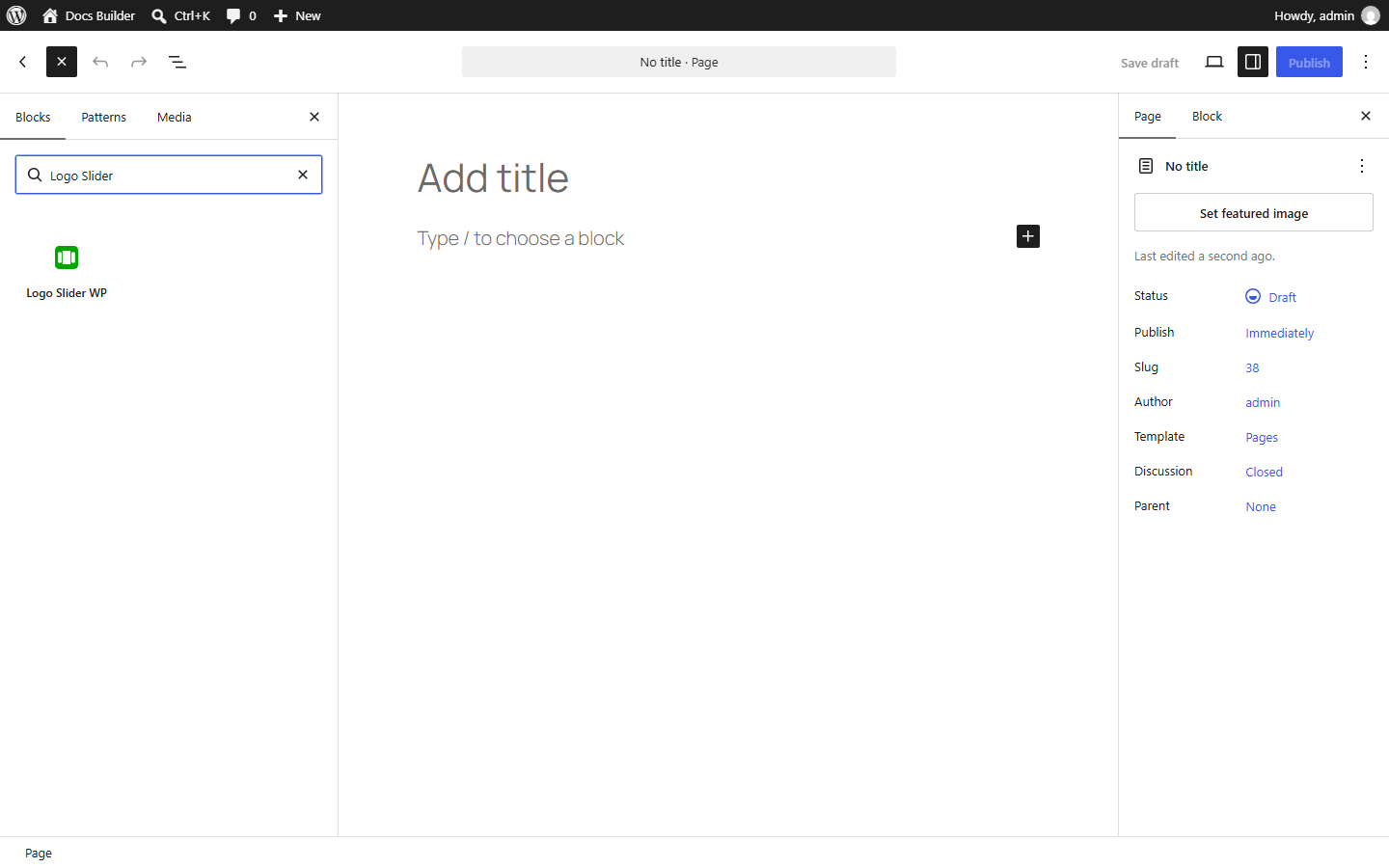
Legend
- Search field with "Logo Slider" typed in.
- The Logo Slider WP block result — click or drag it into the page.
Once inserted, the block shows a placeholder with a dropdown:
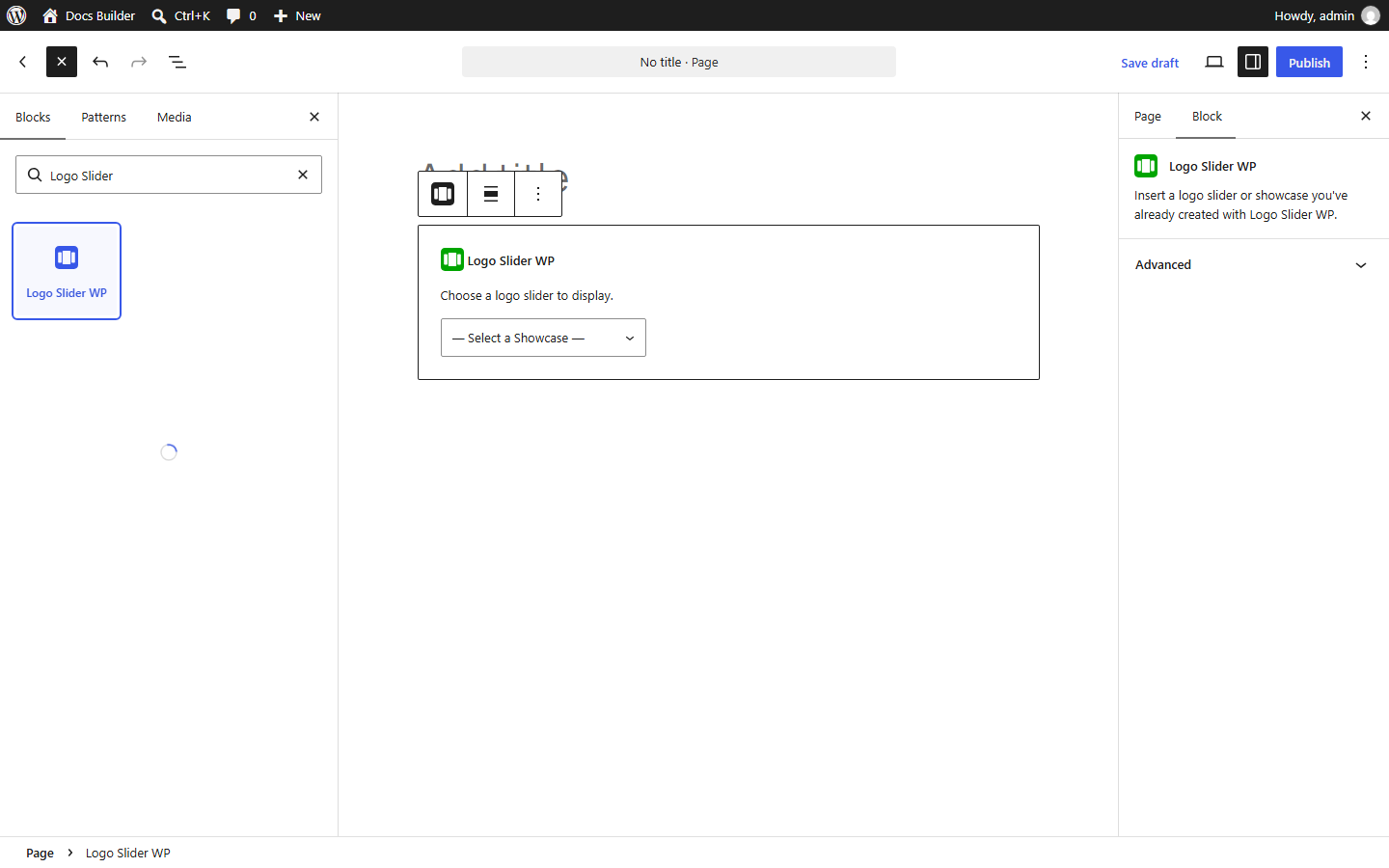
Legend
- Block header — confirms "Logo Slider WP" is selected.
- Select a Showcase dropdown — choose from any showcase you've already created in the Showcase Builder.
This screenshot shows the block immediately after insertion, before a showcase has been selected.
Once you select a showcase, it renders live in the editor — no separate preview step.
Shortcode and block interoperability
- Shortcodes and the block read from the same showcases — use the shortcode on one page and the block on another; both render identically.
- Adding the block doesn't touch or deprecate any shortcode you're already using elsewhere — existing shortcodes keep working exactly as they did.
- You can add more than one block (or shortcode) to the same page; each showcase is independent.
Full Site Editing
The block is a standard WordPress block, so it works anywhere a block can go in a Full Site Editing theme — headers, footers, and templates included. This isn't a dedicated FSE integration with FSE-specific features; it's the same block, placed like any other.